 Glowlapse
Your glow-up,
in one video.
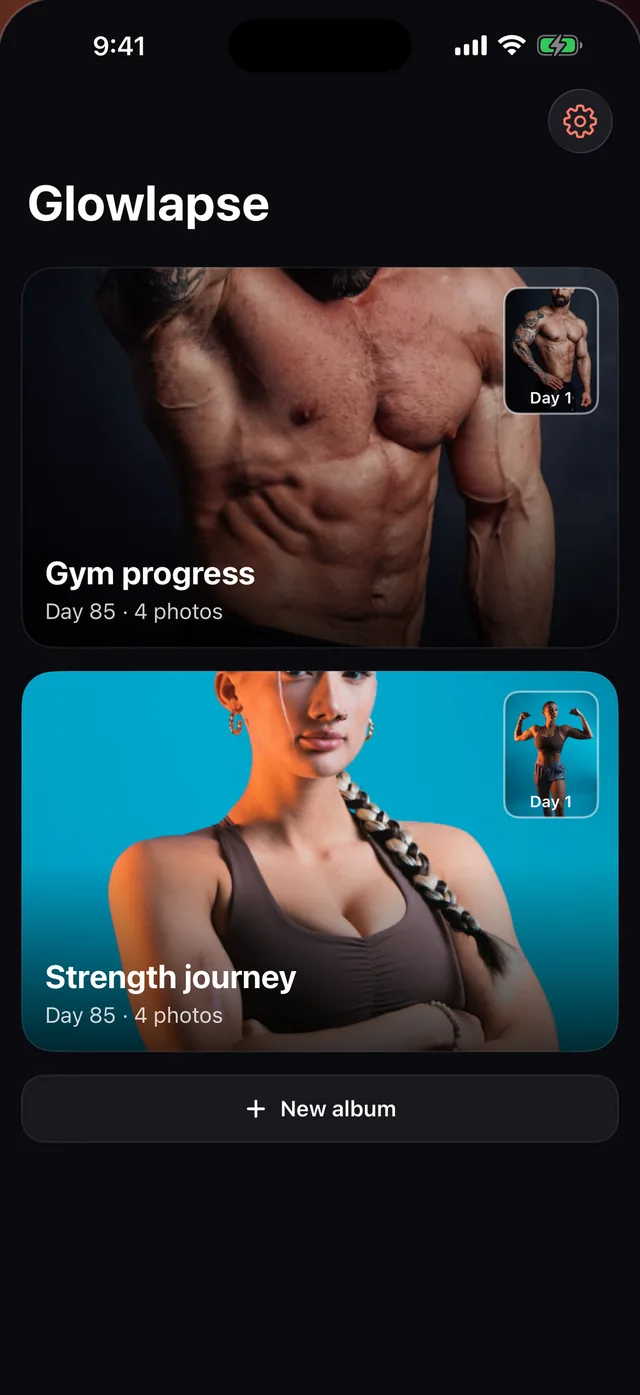
Take a progress photo every week. Glowlapse lines you up in every shot and turns them into a before-and-after video you'll want to post.
For iPhone. Free to start, no account needed.
Three steps, every week.
-
 1
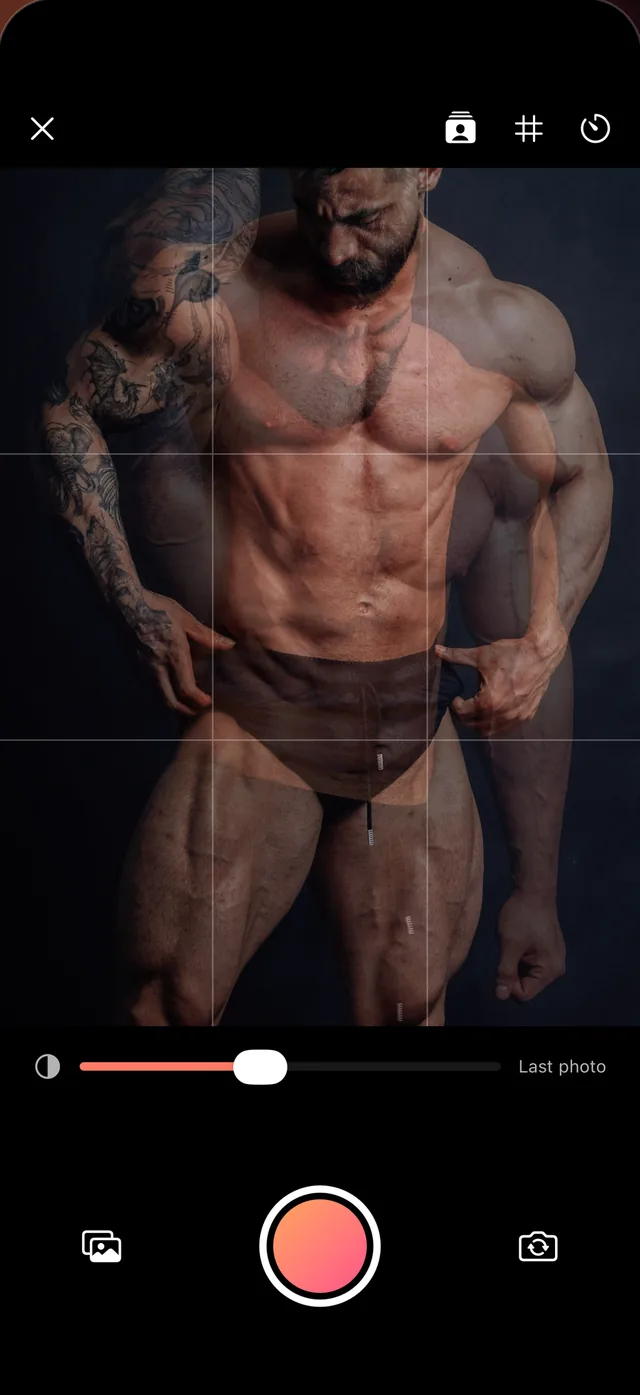
1Take today's photo
A faint ghost of your last photo sits over the camera, so you can match the pose and the distance.
-
 2
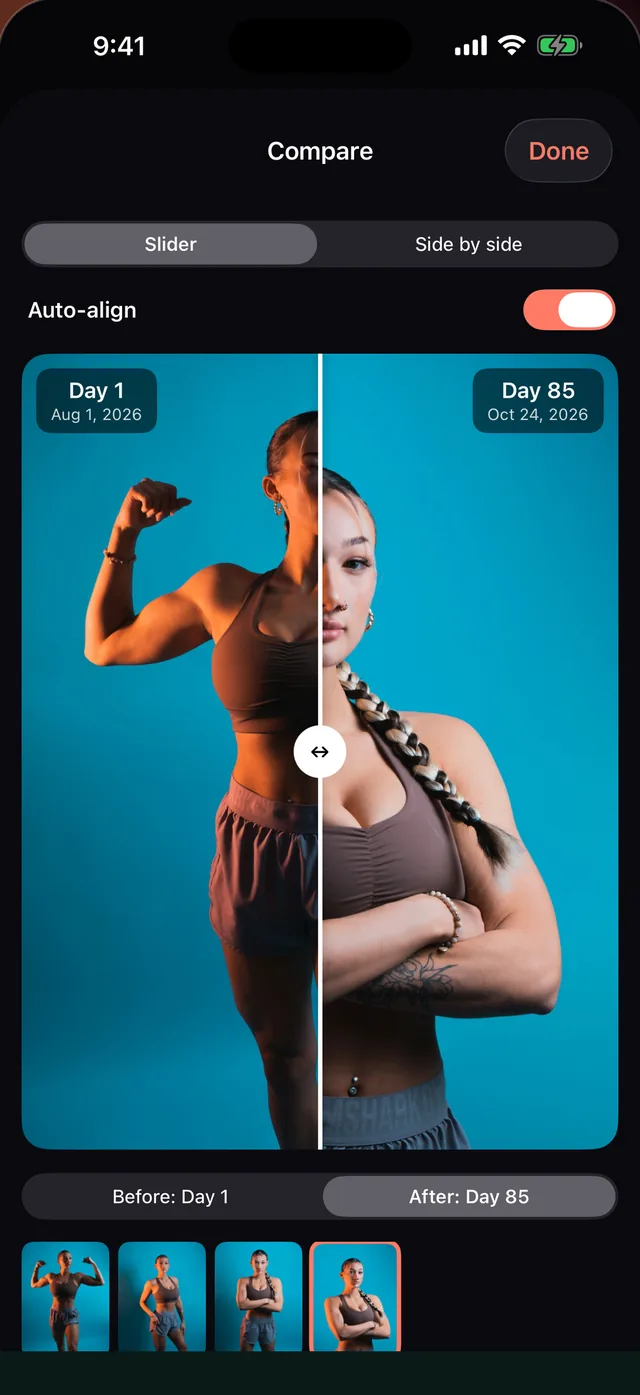
2Line up every shot Pro
Auto-align moves, scales and straightens each photo, so only you change, not the framing.
-
 3
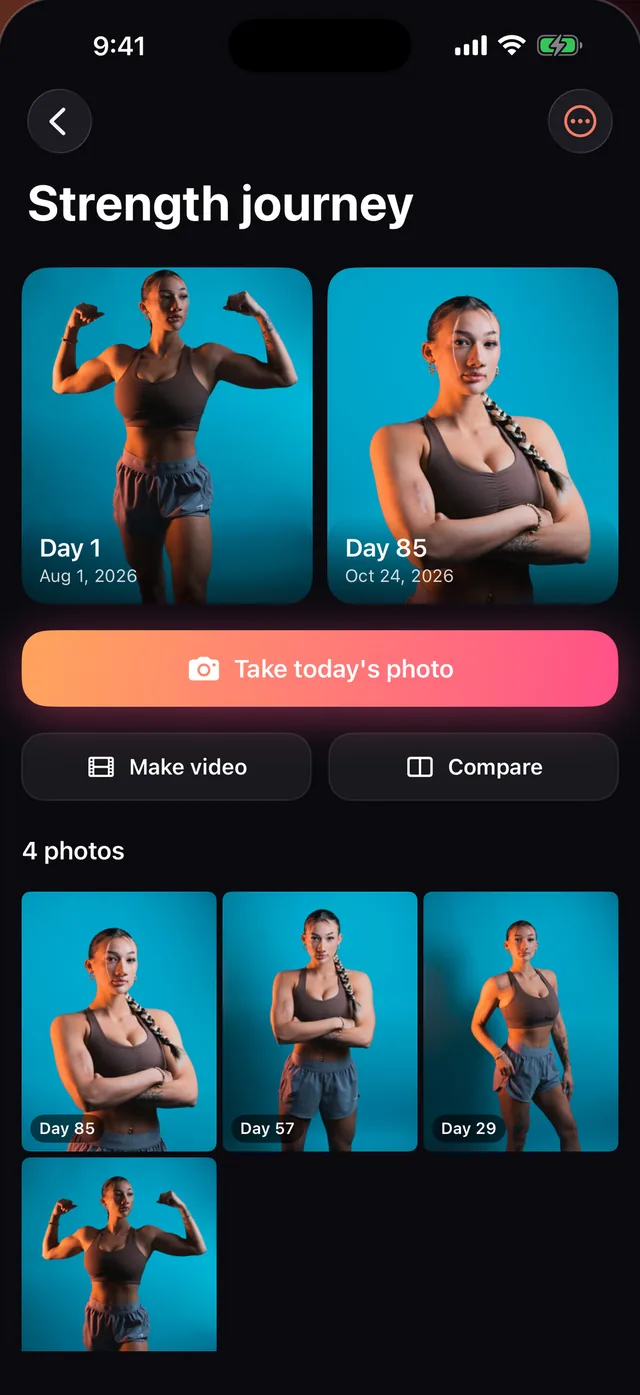
3Make the video
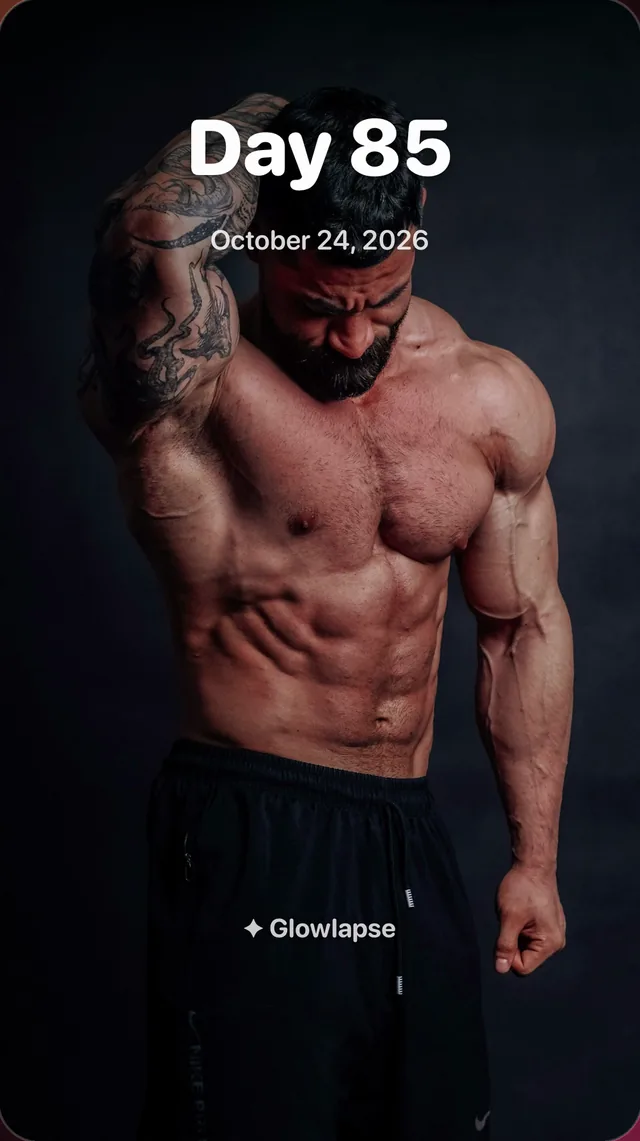
One tap gives you a vertical video with a day counter, dates and a before-and-after ending, ready for TikTok and Reels.
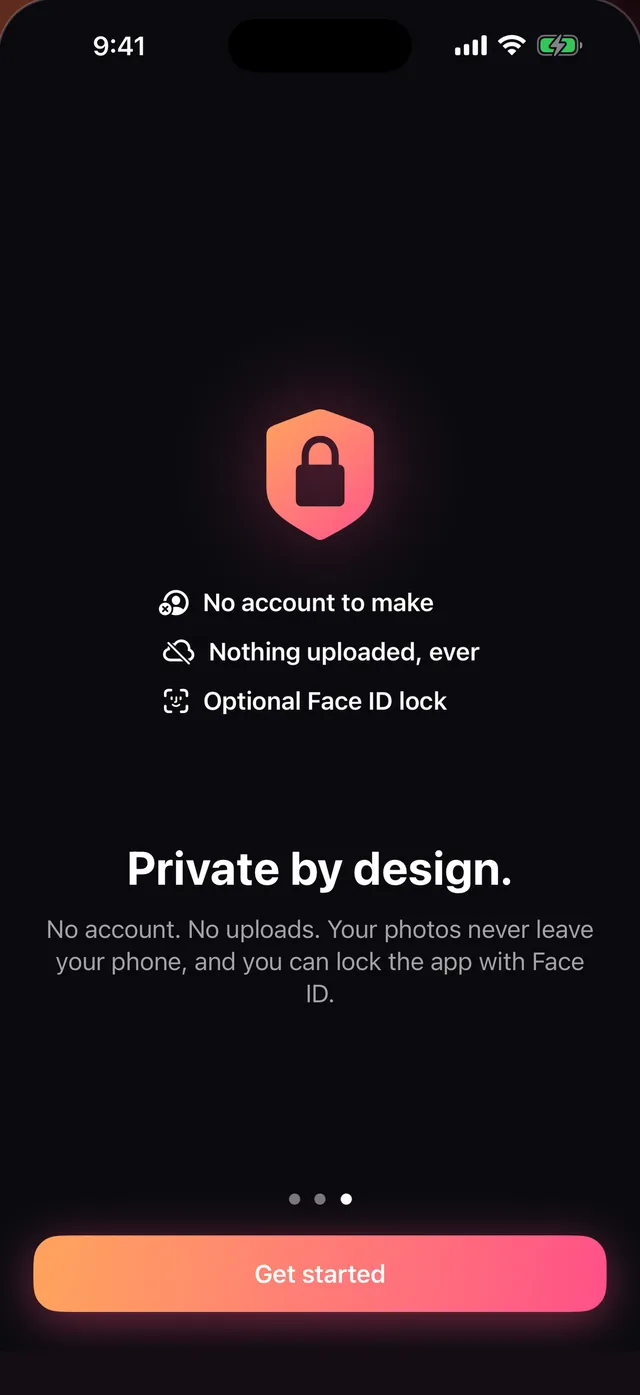
Your photos never leave your iPhone.
There's no account, no server and no analytics. Glowlapse works entirely on your phone, and lines photos up with Apple's on-device Vision.
- No account to make. Open it and take your first photo.
- Nothing uploaded, ever. Not your photos, not your measurements.
- Lock it with Face ID. Free, for everyone.
Free to start. Pro when you want more.
Free
Forever, no trial clock.
- One album
- Ghost camera, grid and self-timer
- Compare any two days
- Videos, with a small Glowlapse mark
- Photo-day reminders
- Face ID lock
Glowlapse Pro
Free for a week, then yearly. Or pay once and keep it.
- Everything in Free
- Auto-align in videos and compare
- Weight & waist with a progress chart
- Progress grids to share
- Unlimited albums
- No watermark
Gym progress, weight loss, skin, hair: give each its own album and its own photo day.